
Purchasing
Receive stock and keep your supplier accounts straight.
Record what arrives, keep costs current, and always know what you owe.
- Receive stock in seconds
- Costs and margins stay current
- Supplier bills with due dates
What it does
Stock in, costs right
Goods received
Scan items, enter quantities and costs, and stock is ready to sell at once. Note the supplier invoice and any free quantity.
Weighted-average cost
Each receipt updates the item's average cost automatically.
Price change prompts
When a cost moves noticeably, see old and new margin and update the retail price on the spot.
Supplier bills
Record bills from one or more receipts, with due dates from supplier terms and a clear status: due, overdue, partly paid or paid.
Returns to supplier
Send goods back with a debit note. Stock goes down and the supplier balance is reduced or a refund is recorded.
Reorder list
See items at or below minimum stock with a suggested quantity and preferred supplier. Print labels straight from a receipt.
Real screens
In the app
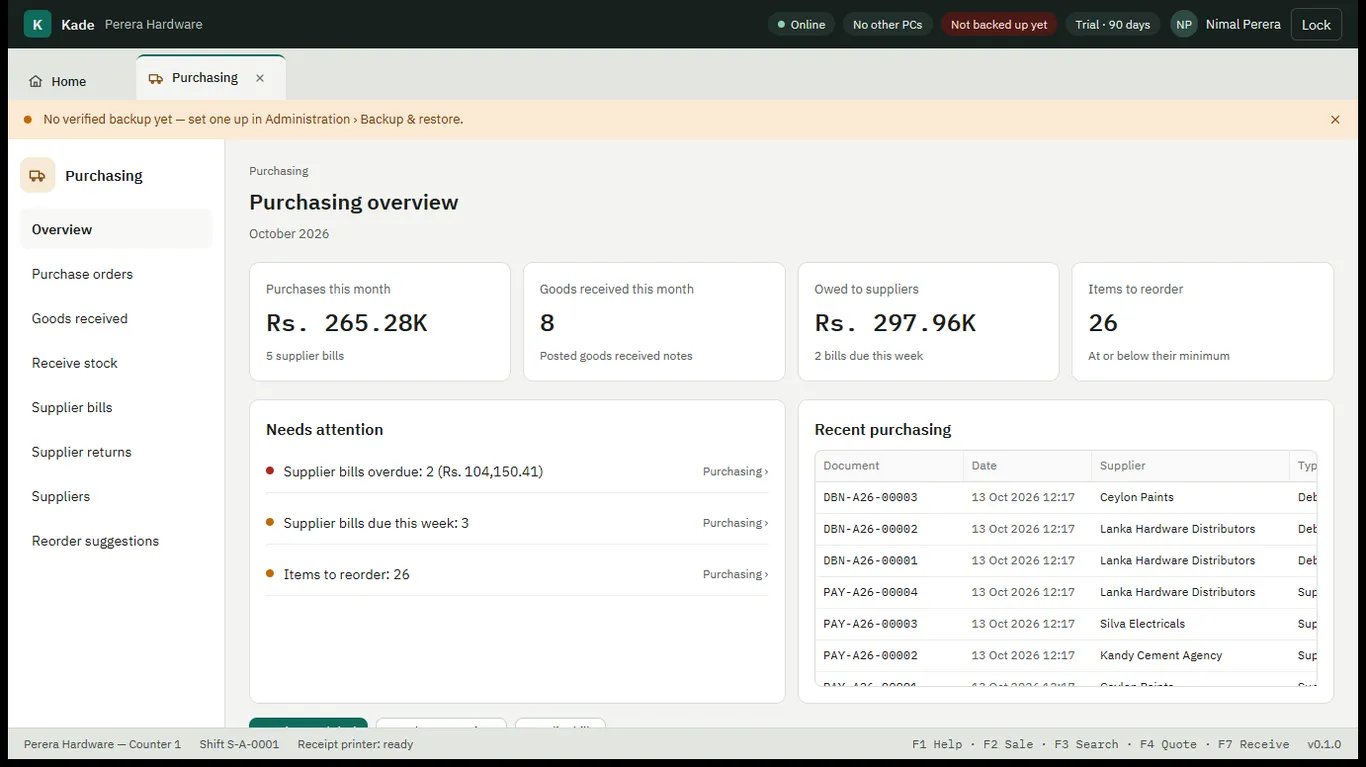
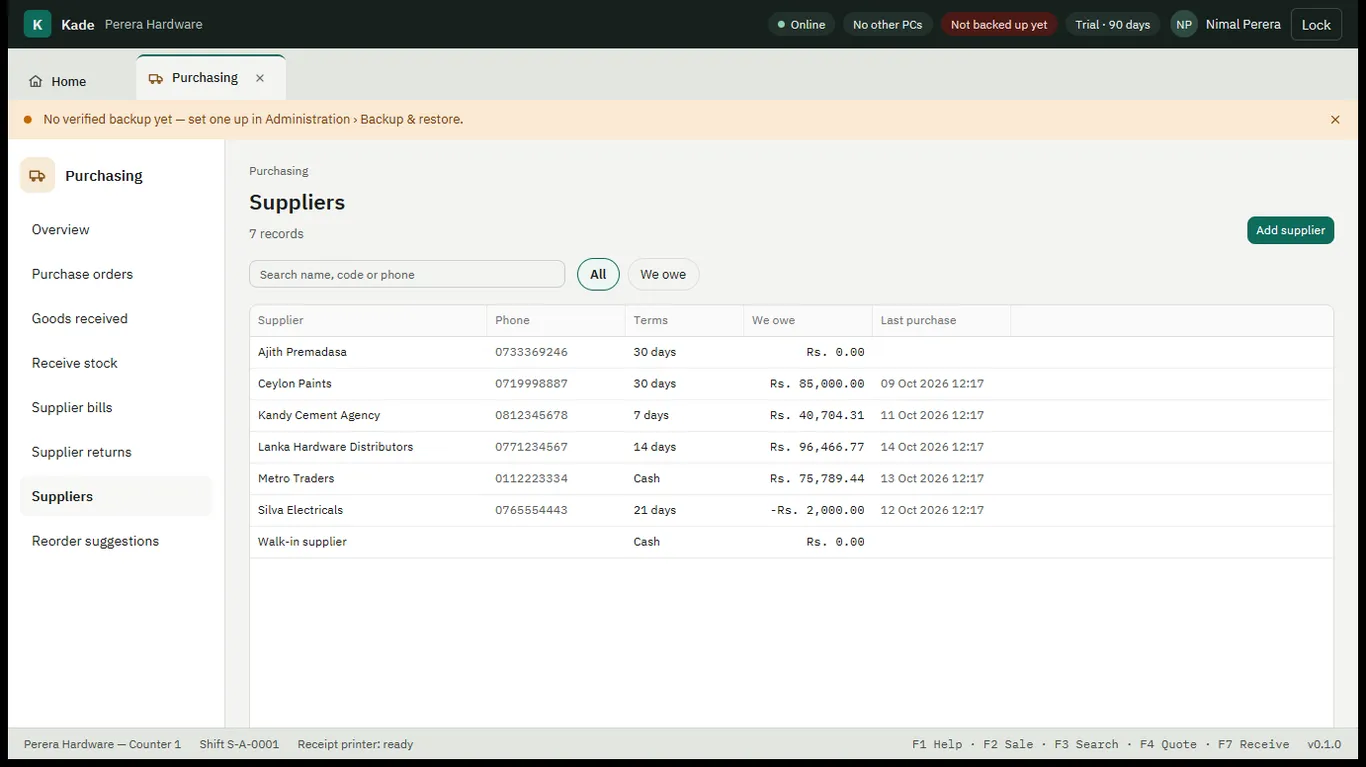
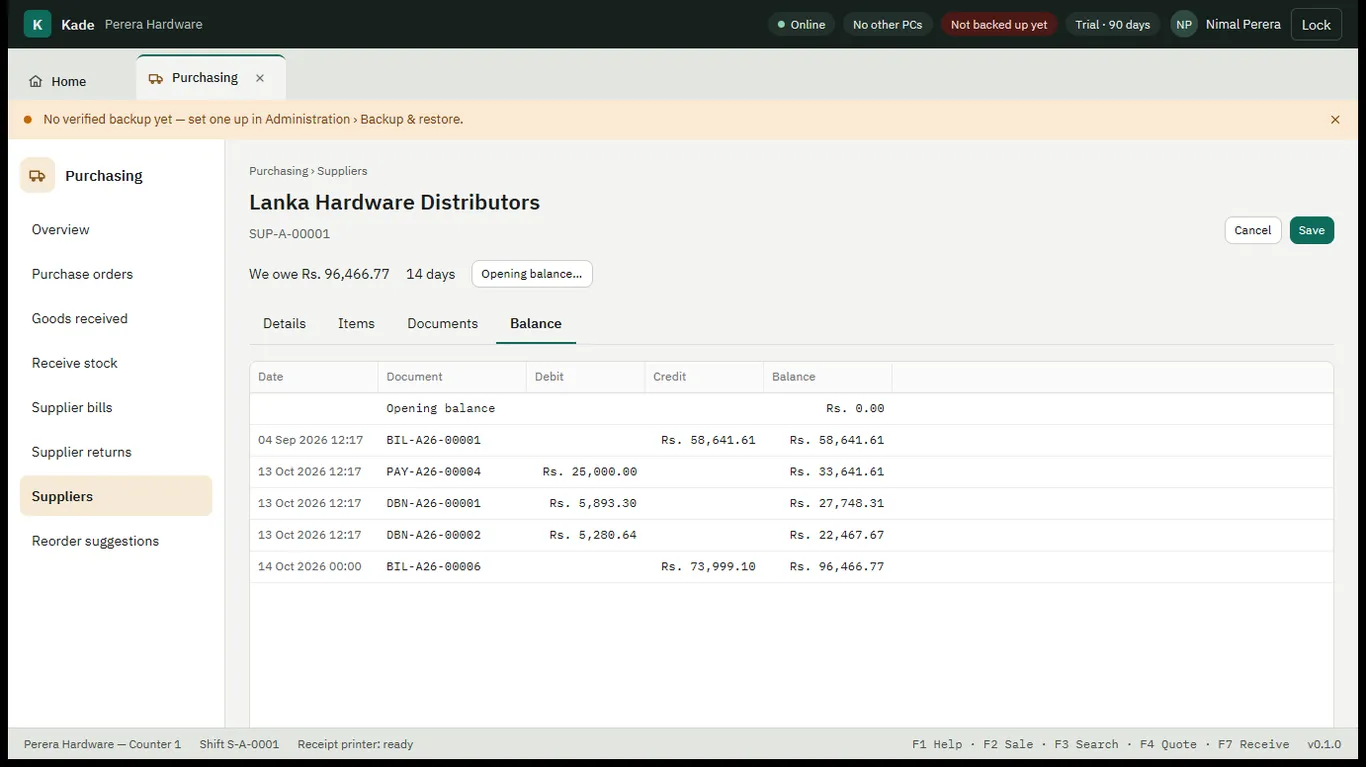
Real screens from Kade, shown with a demo shop's data.
Works together with