

Administration
Your business, your rules, your data.
Users and roles, devices, backups, printers and settings, all in your own hands.
- Roles with PIN protection
- Encrypted backups you control
- Add or replace PCs yourself
What it does
In your own hands
Company and numbering
Business profile, logo, tax settings, currency, receipt footer and document numbering formats.
Users and roles
Register staff with PINs, assign Owner, Manager or Cashier roles, and deactivate leavers without losing their history.
Audit log
Browse who did what, filter by user, action, device or date, and export it. Entries cannot be edited or deleted.
Backups
Encrypted, verified backups to a folder, USB drive or cloud-synced folder, on a schedule or on demand. Restore from any restore point.
Devices
See every PC in your business, add one with a pairing code, rename it, or revoke it at any time.
Hardware, licence and updates
Set up receipt, A4 and label printers, cash drawers and scanners. Activate online, by file or by phone code, and install updates when you choose.
Real screens
In the app
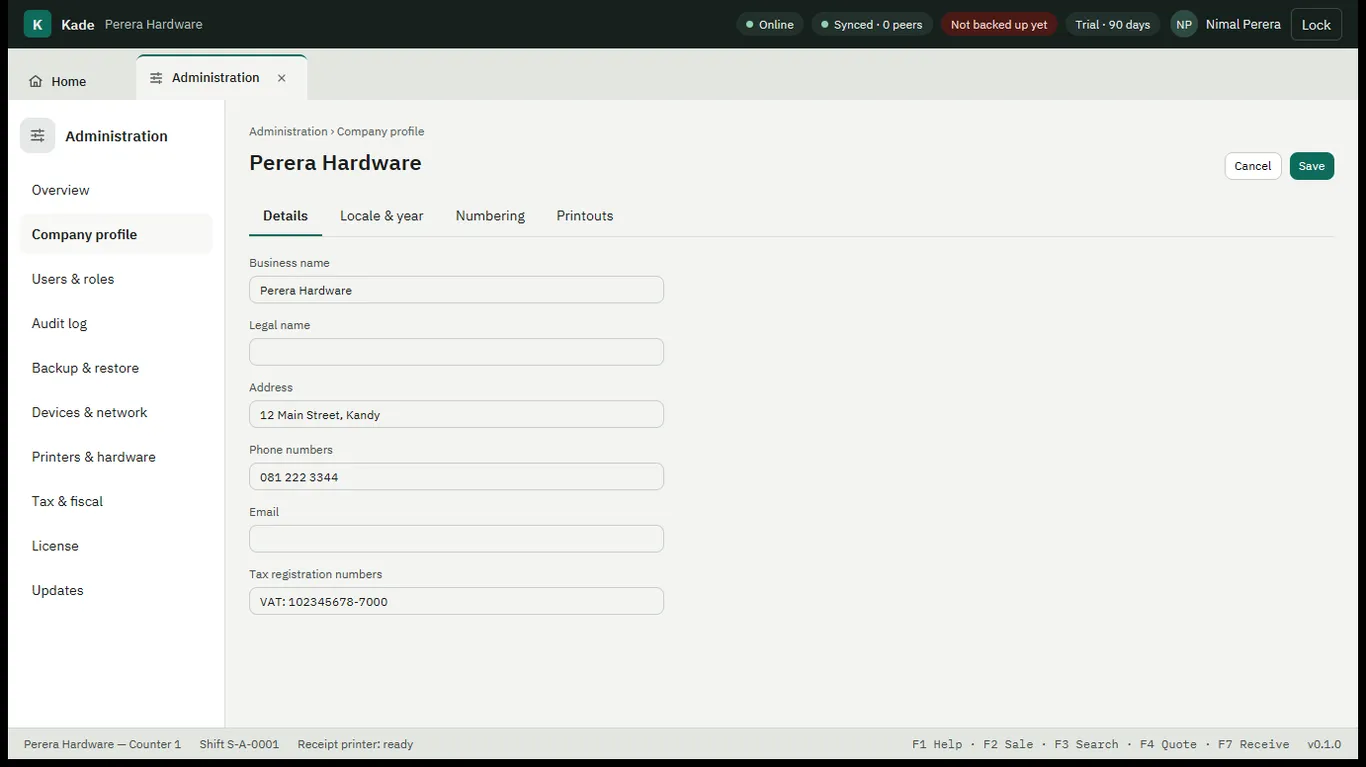
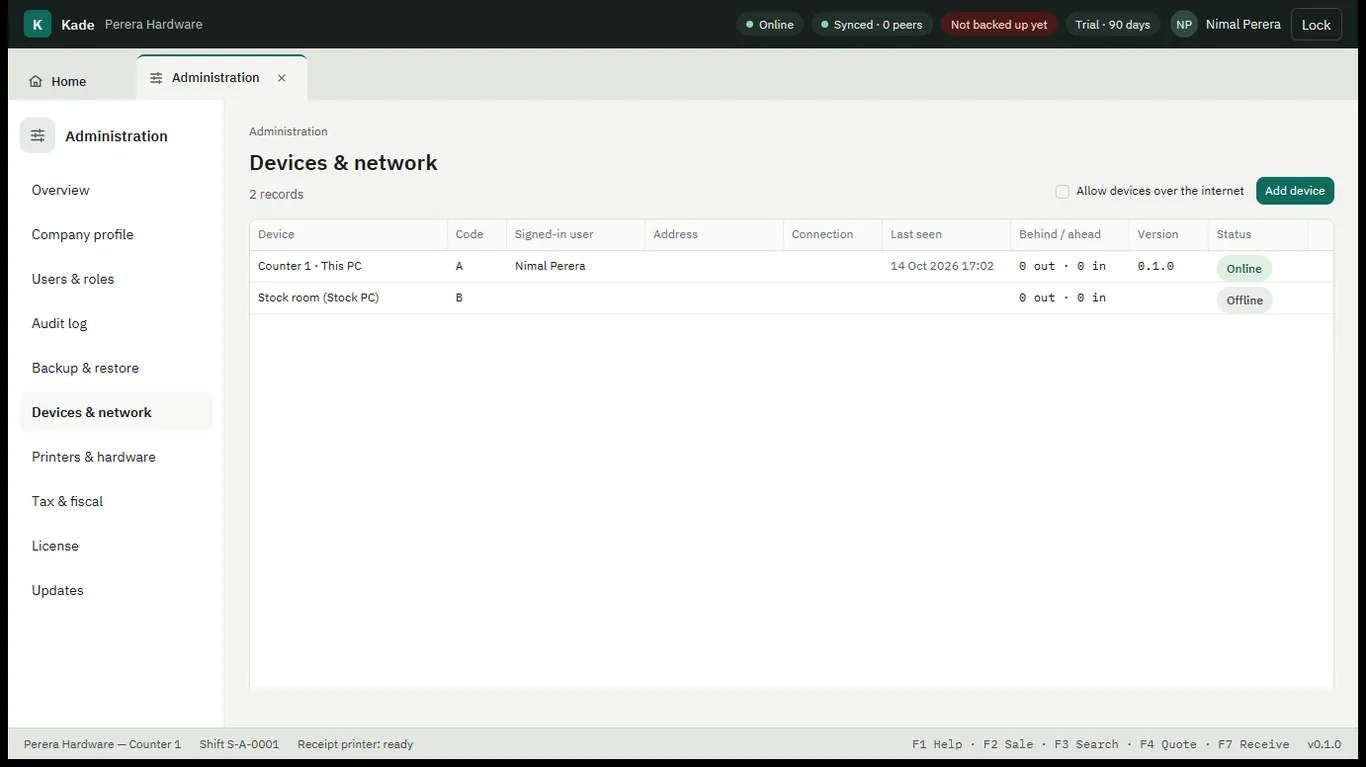
Real screens from Kade, shown with a demo shop's data.
Works together with